Cube Dev
Task
Make the "Queries" section in Cube Cloud convenient for developers who analyze query performance, drawing inspiration from GitLab's approach to built-in observability.
Problem
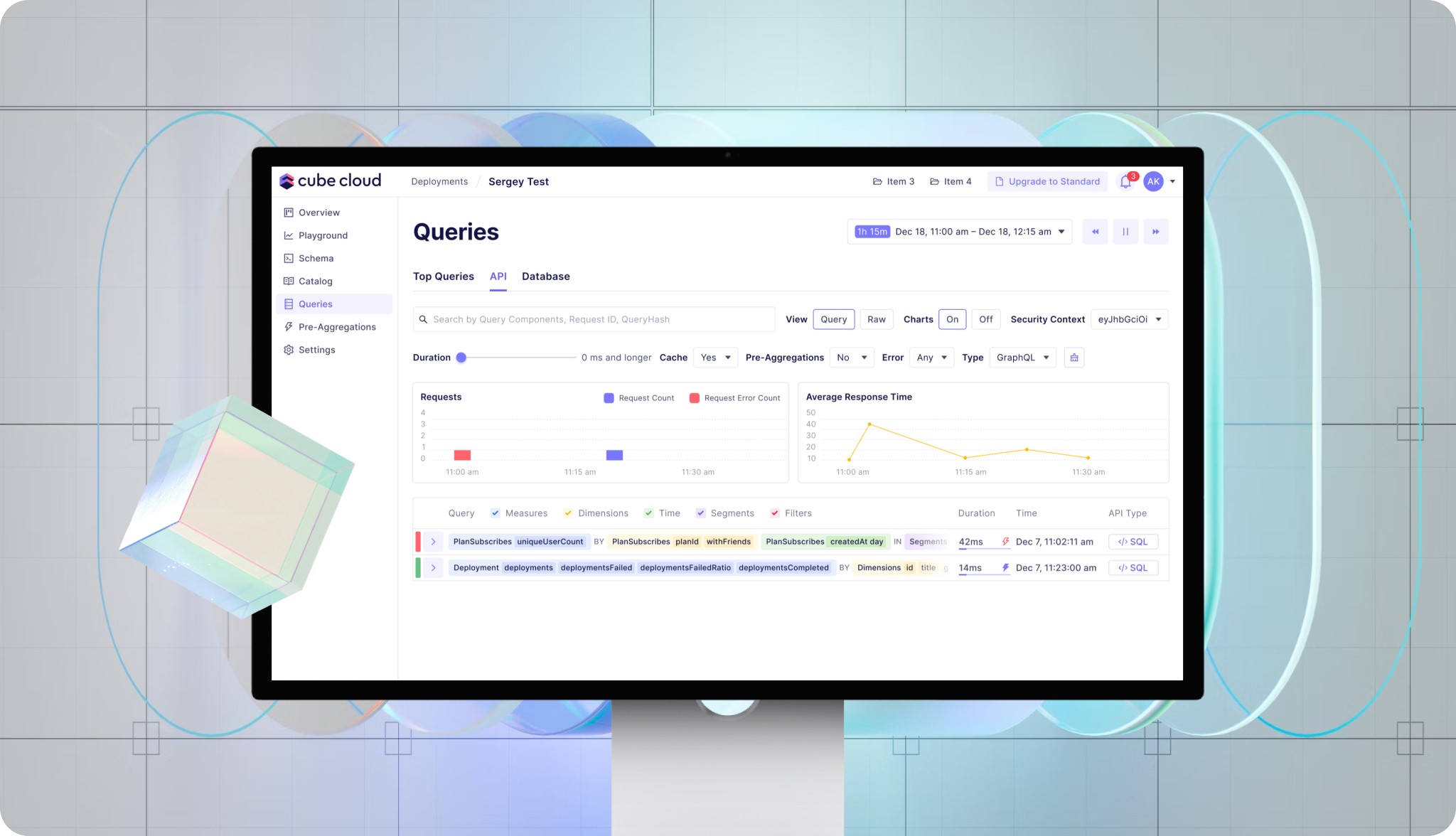
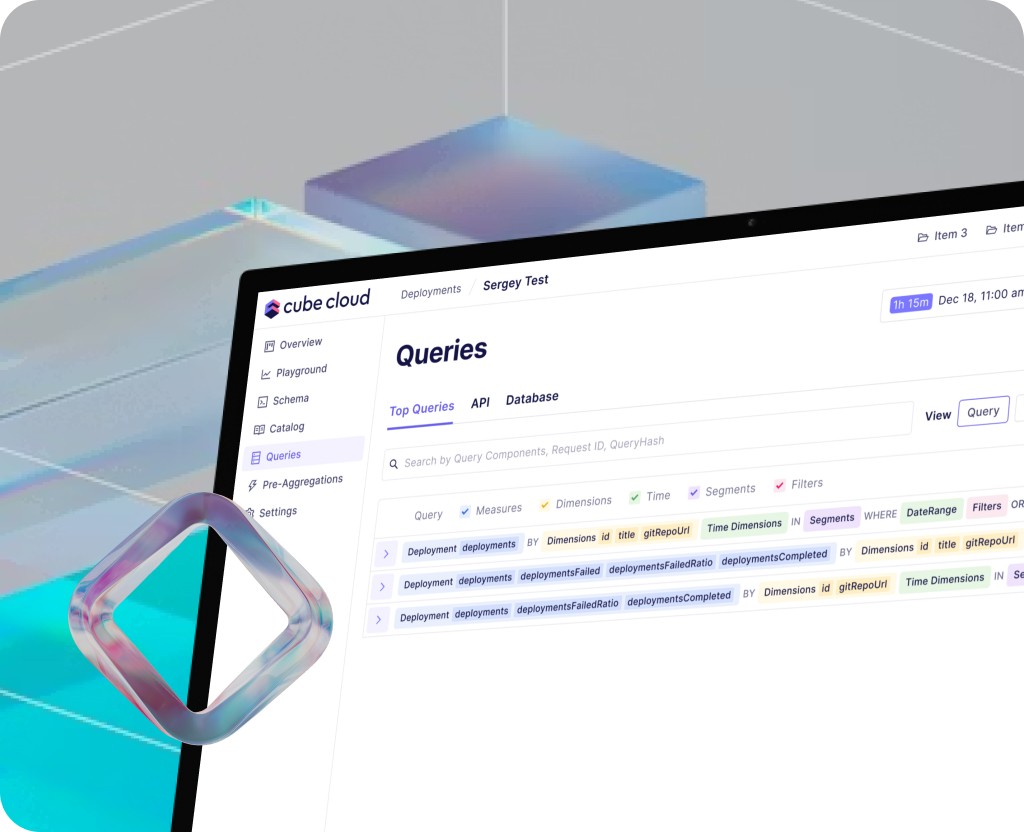
Developers were spending too much time trying to find the root cause of slow or erroneous queries. Query data was scattered, filtering was inflexible, and the connection between a specific query, its duration, cache usage, and pre-aggregations was missing. Engineers would manually copy SQL from logs to understand why a query took 42ms instead of 10ms.
The core issue wasn't the absence of data, but its unstructured presentation, which slowed down debugging and decision-making around optimization.
Research
I started by interviewing three teams that use Cube Cloud: backend engineers, analytics engineers, and SREs. I asked each person to show how they currently find a problematic query. It turned out that everyone relied on searching by request ID or time, but couldn't quickly filter by errors or API type (GraphQL vs REST).
Solution
At each stage, I had to choose between adding another metric and redesigning the page layout. For example, I considered a separate tab for each API type (GraphQL, REST, SQL), but abandoned it in favor of a single stream with an "API Type" filter. I also compared two ways to show pre-aggregation usage: as a checkbox in filters or as a badge in the query card.
Results
Average time to diagnose a slow query dropped from 15 minutes to 2 minutes. Support tickets asking "why isn't my query using pre-aggregations" decreased by 70%. Developers stopped copying SQL manually — now they just click the <SQL> badge directly from the query card.
Industry
SaaS
Year
Client
Cube